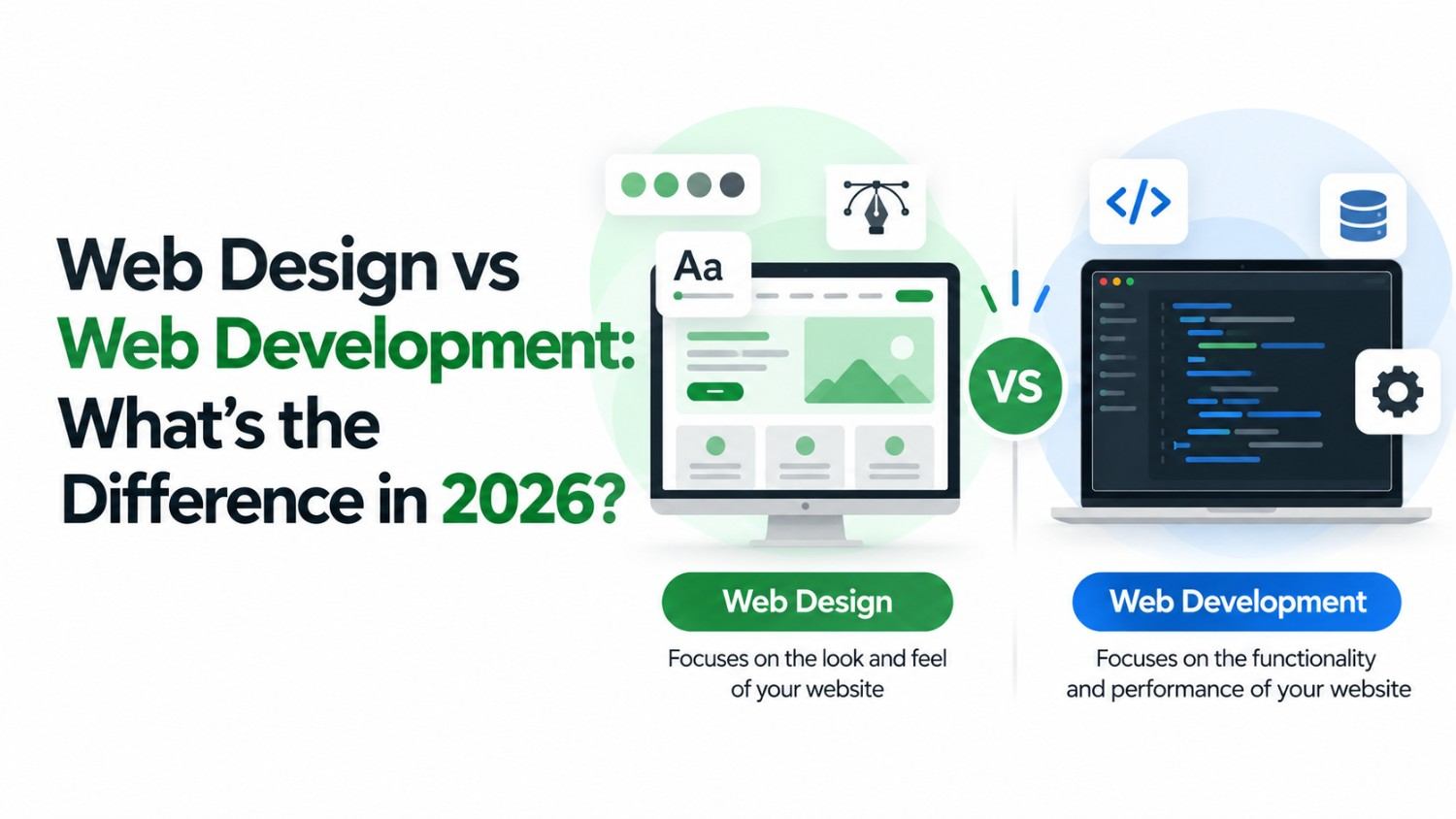
If you have ever looked into getting a website built, you have probably come across the terms web design and web development used almost interchangeably. In reality, they describe two distinct disciplines - each with its own set of skills, tools, and outputs. Understanding the difference is not just useful trivia; it helps you hire the right people, ask the right questions, and invest your budget where it actually counts.
This guide breaks down what each term means, where they overlap, and how both contribute to a website that looks great and performs even better.
What Is Web Design?
Web design is the creative process of planning how a website looks and feels. It is about the visual experience - the colours, typography, layout, imagery, spacing, and overall aesthetic that a visitor perceives when they land on a page. A web designer's primary goal is to make a website visually appealing, easy to navigate, and aligned with the brand it represents.
Web designers typically work with tools like Figma, Adobe XD, and Sketch to create wireframes and prototypes before a single line of code is written. A free and widely used starting point is Figma - it allows designers to collaborate on visual layouts in the browser, making it one of the most popular free tools in the modern design workflow.
Good web design also incorporates UX (User Experience) principles - ensuring that visitors can find what they need quickly, that buttons are easy to tap on mobile, and that the journey from landing page to conversion feels natural and effortless.
What Is Web Development?
Web development is the technical process of building the website - turning the designer's vision into a working, functional product. Developers write the code that makes a website load in a browser, respond to clicks, connect to databases, and process information.
Web development splits into two broad areas. Front end development handles the visible, interactive layer - the HTML, CSS, and JavaScript that users directly engage with. Back end development manages the server, database, and application logic that powers functionality like user logins, e-commerce checkouts, and content management systems.
A helpful free resource for understanding web development standards is web.dev by Google - it covers performance best practices, accessibility, and modern development techniques used by professional teams worldwide.
Web Design
- Visual layout & aesthetics
- Colour, typography, spacing
- Wireframes & prototypes
- User experience (UX)
- Tools: Figma, Adobe XD
Web Development
- Code & functionality
- HTML, CSS, JavaScript
- Databases & servers
- Performance & security
- Tools: VS Code, GitHub
Key Differences at a Glance
While both roles are essential to any successful website, they differ significantly in focus and output:
| Aspect | Web Design | Web Development |
|---|---|---|
| Primary focus | Look, feel & UX | Functionality & code |
| Core tools | Figma, Adobe XD | HTML, CSS, JavaScript |
| Output | Mockups & prototypes | Working website or app |
| Skill type | Creative & visual | Technical & logical |
Want a Website That Looks Stunning and Works Flawlessly?
Bamboost brings design and development together under one roof - no silos, no handoff gaps.
Where They Overlap
The line between design and development has blurred considerably in recent years. Front end developers often have a strong eye for design and work directly with CSS to bring visual concepts to life. Meanwhile, many designers are learning to prototype in code using tools like Webflow or Framer. Some professionals - often called design engineers - operate fluidly across both disciplines.
What truly matters for your business is not which label applies, but whether the final product achieves both goals: a visual experience that builds trust, and a technical foundation that delivers performance.
Which Does Your Business Actually Need?
The honest answer is: almost certainly both. Here is a simple way to think about it:
- If your website looks outdated or confusing - you likely have a design problem. Visitors form opinions within milliseconds of landing on a page, and poor visual design erodes trust immediately.
- If your website is slow, broken on mobile, or has forms that don't work - you have a development problem. Great design means nothing if the underlying code fails.
- If you are building from scratch - you need both working in tandem from day one. Design without development produces a beautiful PDF. Development without design produces a functional but forgettable website.
This is why partnering with a team that handles both is so valuable. As a leading web development company in Kerala, Bamboost builds websites where every pixel is intentional and every line of code is optimised.
Conclusion
Web design and web development are two distinct crafts, but they are two sides of the same coin. Design creates the impression; development makes it real. The businesses that invest in both - and find a team that bridges them seamlessly - are the ones that build websites their customers actually love to use.
Whether you need a visual refresh, a brand-new build, or a complex web application, start by understanding what problem you are actually solving. The right team will take it from there.